AI on your iPhone. No signal needed.
Lokal AI runs the model on the phone itself. Use it on a hike, on a plane, or any time you'd rather your questions stayed yours.

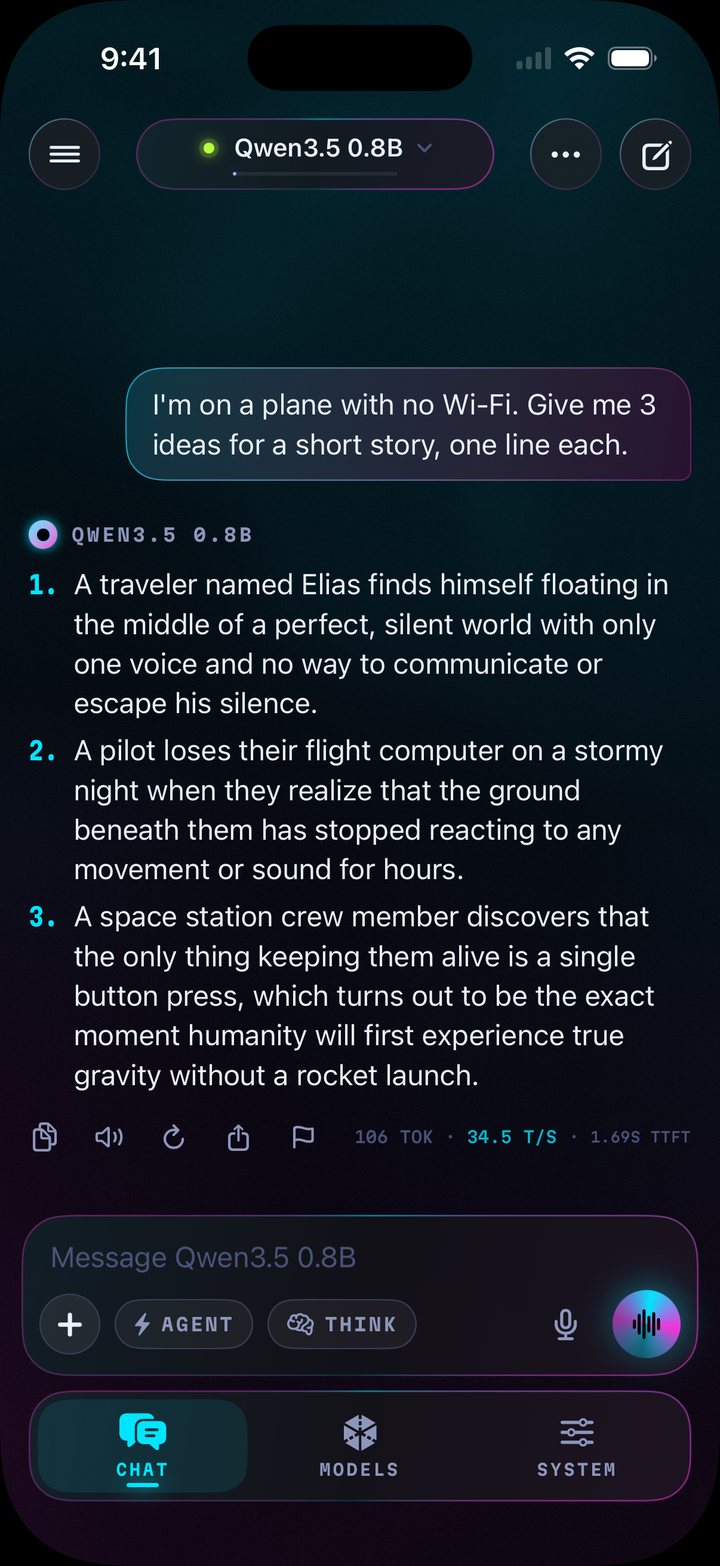
On a hike
Zero bars on the ridge, and it still answers.
On a plane
Airplane mode on. Write, plan, study, or pass the time.
In private
Chats stay on your iPhone. No account, no tracking, and nothing goes to an AI company.
This page works offline too. Turn on airplane mode and reload it. You're offline, and this page still loaded. Lokal works the same way.
How to use it
Install Lokal AI from the App Store once it's out.
Lokal checks your iPhone and suggests a model that fits, such as Qwen3.5 or LFM3.
Download the model once, on Wi-Fi.
Chat. From then on it needs no connection.
Voice, photos and an agent
- Voice
- Talk to it and hear the answer.
- Photos and files
- Attach a photo or a document and ask about it.
- Agent
- When you're online, it can search the web, open pages and check the weather for you.
- Model search
- Find more models on Hugging Face and download them.
Chat is free. Lokal Pro adds Agent, Voice, Model search and Custom mode for $2.99 a month or $19.99 a year.
Five themes
Pick one in System, under Appearance. Tap a phone to try it on this page.
Support
Questions or a bug? Email flor.rgb@proton.me with your iPhone model and the app version from System, About.
Privacy
Lokal doesn't collect your data. The privacy policy lists the few times it goes online, and why.